Menu

Login

Not able to print with proper margins on A5 sheets on an iMac.
Printer details:
Make: Brother
Model: DCP-B7500D
Machine Information:
Serial Number: E78345-L3N329987
Version
1. Main Version: U
2. Sub1 Version1.13
Computer Details:
Apple iMac M1 (2021)
Mac OS: 27.0 (Golden Gate)
Problem statement:
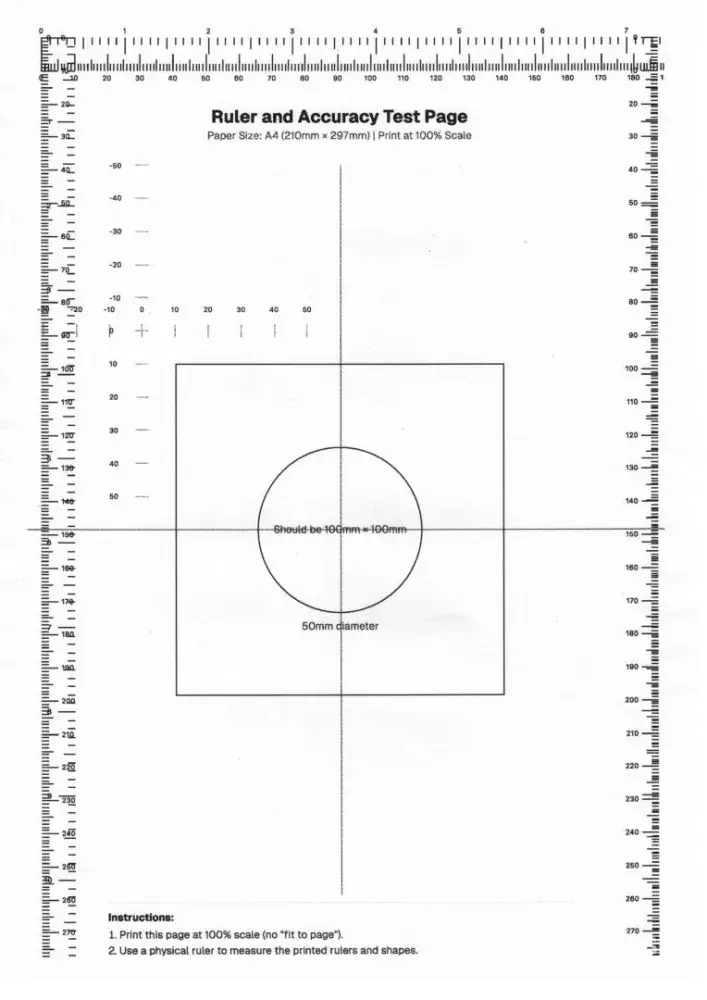
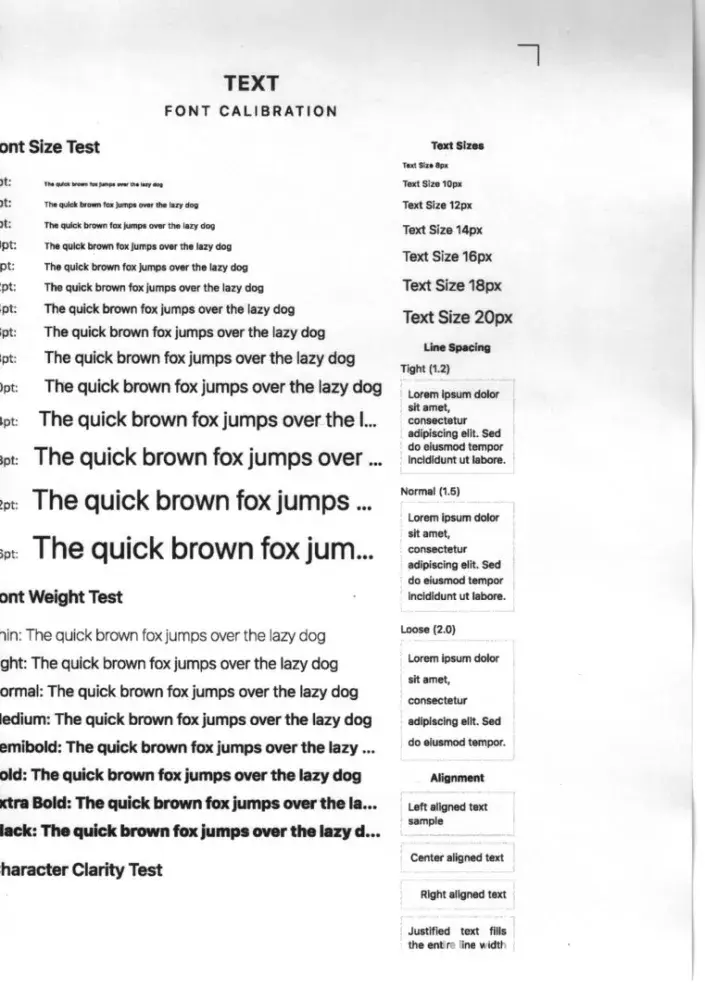
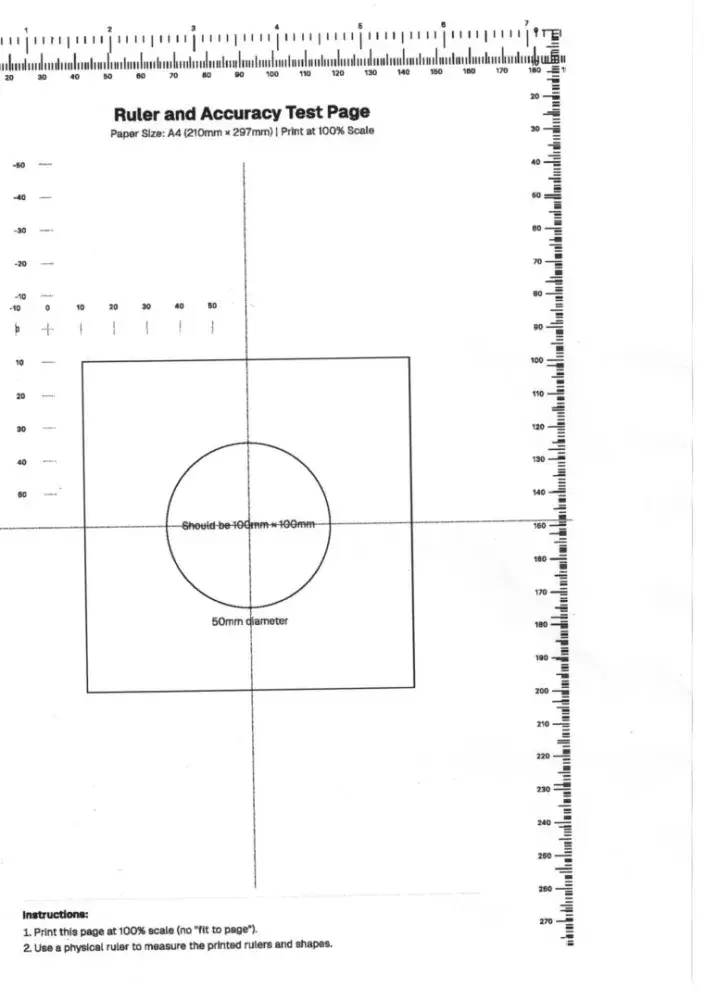
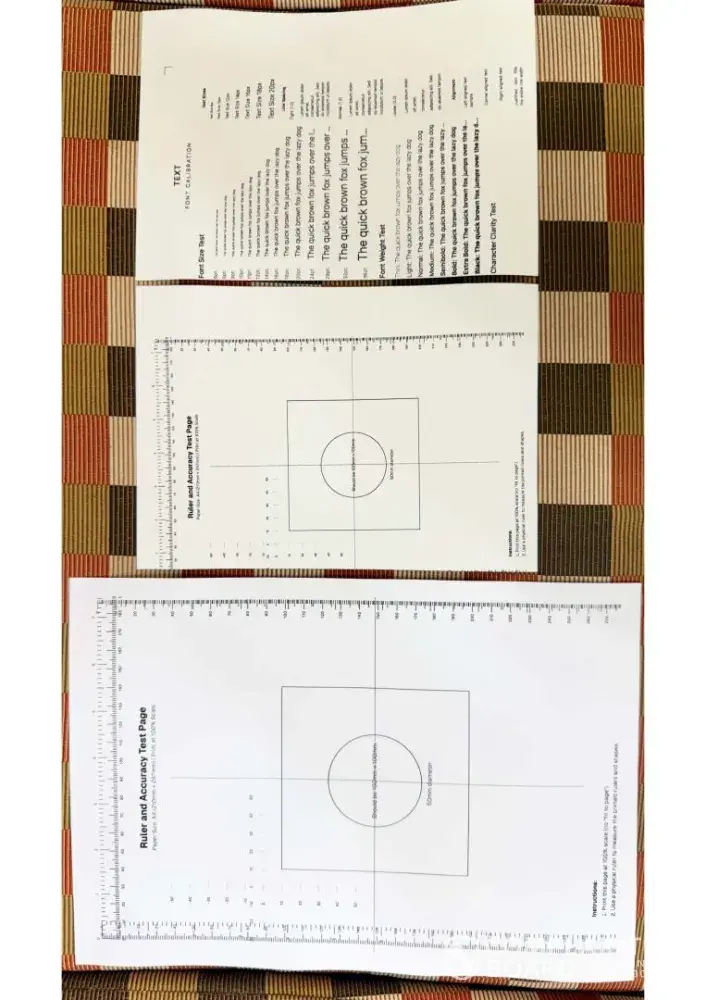
I am using the above mentioned printer on an iMac. Print quality is not the problem. While I am able to print all content on A4. I am able to get what I see on the soft copy. The problem is that I am not able to print properly on A5 size. Always the left margin is missing. However, while printing the same content using a Windows computer this problem doesn't occur. Therefore, I guess it is a technical issue, something to do with the driver or the firmware. I kindly request you to guide me on how to resolve this issue at the earliest. My work is greatly inconvenienced due to this anomaly.
I have tried all possible things but I am not able to rectify the problem. Even a technical person from the authorized dealer who supplied the machine couldn't rectify it. I thought subsequent driver updates or OS updates would fix it. But unfortunately they didn't.
I am getting in touch with you as a final resort. I hope you will be able to address this issue and retain a frustrated customer.
Confidential Information Hidden: This section contains confidential information visible to verified Brother Industries representatives only. If you are affiliated with Brother Industries, please claim your business to access these details.


 Newegg
172 reviews
Newegg
172 reviews
 HP
781 reviews
HP
781 reviews
 Lenovo
267 reviews
Lenovo
267 reviews
 Acer
132 reviews
Acer
132 reviews
 Sceptre
32 reviews
Sceptre
32 reviews


